

By Ziad Khalife · July 16, 2026
How to Build a Shopify Store That Actually Looks Like a Brand (Not a Template)
The gap between a store that feels custom and one that feels like every other Shopify theme rarely comes down to budget — it comes down to a handful of specific decisions. Here’s what actually separates them.
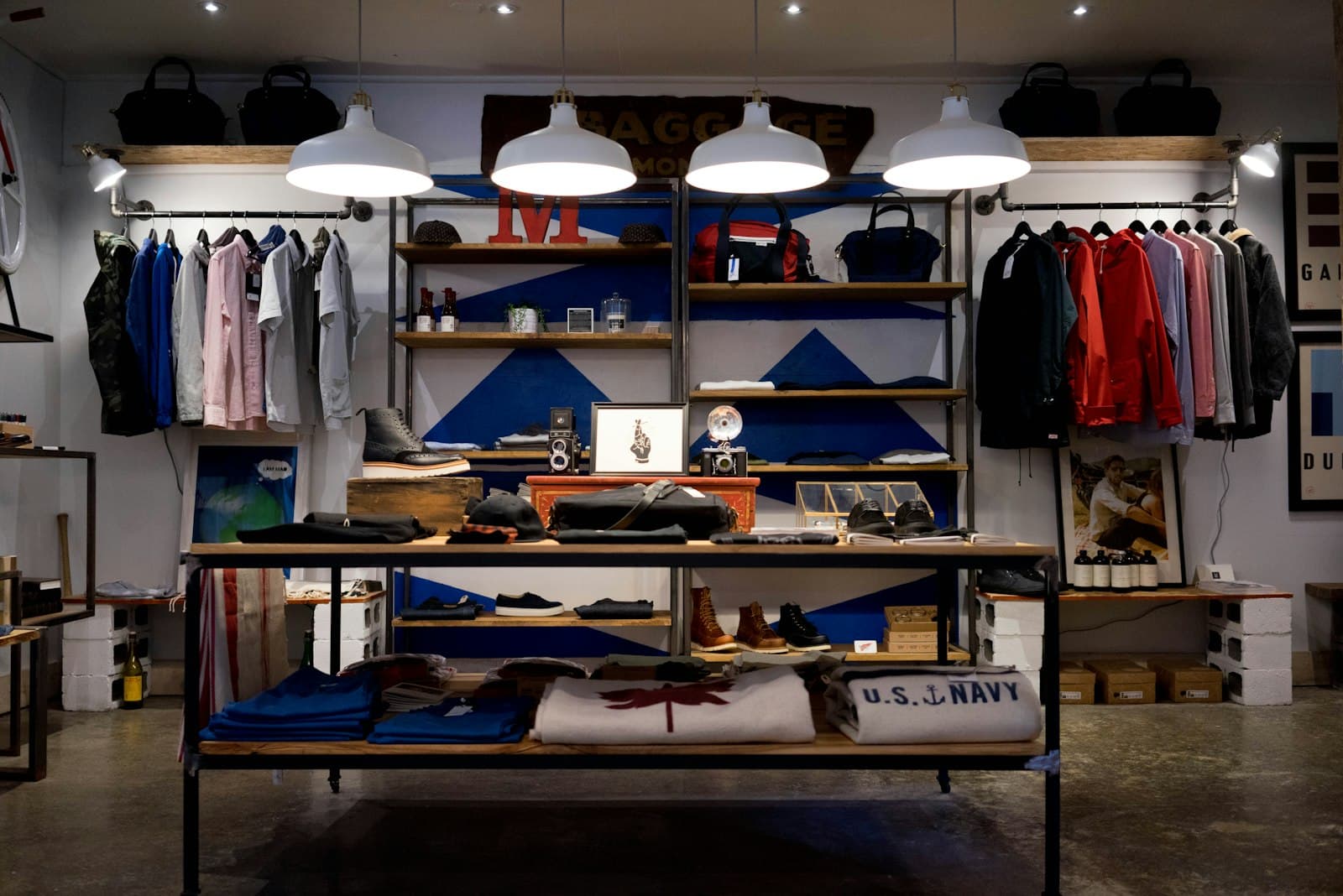
Two Shopify stores can run the same theme and look nothing alike — or run different themes and feel identical, because the same handful of default choices went unchanged in both. What makes a store feel like a real brand rather than "a Shopify store" isn’t the theme itself; it’s a short list of decisions most stores never revisit past setup.
Typography and spacing chosen on purpose, not left at default
The single fastest way to spot a templated store is default theme typography paired with default spacing — it’s recognizable across thousands of stores because it’s exactly what ships out of the box. Choosing type that fits the brand and adjusting the spacing rhythm around it costs little but changes the entire first impression of the site.
A homepage structured around what this brand actually sells
Generic "featured collection" grids work for no one in particular because they were built to work for everyone. A homepage structured around this specific brand’s actual best-sellers, story, or point of difference reads as considered; a default collection grid reads as unfinished, even with beautiful product photography sitting inside it.
Restraint on the app stack
Most templated-feeling stores got that way from stacking apps — a reviews widget here, an upsell popup there, each injecting its own font, its own button style, its own visual language that doesn’t match the theme around it. Every app is a small, cumulative departure from a coherent design. Auditing the app list against what’s actually driving revenue, and removing the rest, does as much for how "custom" a store feels as any design change.
Photography that matches the brand, not the product alone
Clean product-on-white photography is necessary but not sufficient — it’s also exactly what every dropshipping store and template demo uses. Lifestyle and context photography shot specifically for the brand is one of the most reliable signals that a store was actually built for this business, not assembled from stock assets and a theme demo.
When Shopify Plus is actually worth it
Plus is about scale and checkout flexibility — multi-store management, high-volume automation, deeper checkout customization — not design freedom. A fully custom-feeling storefront is achievable on standard Shopify plans through a genuinely customized theme; Plus becomes worth the added cost once transaction volume or specific checkout requirements actually need it, not before.
The bottom line
A store that looks custom isn’t necessarily the most expensive build — it’s the one where someone made deliberate choices about type, layout, and app usage instead of accepting the defaults. That’s a design and discipline problem more than a budget one.
FAQ
Questions, answered.
- What makes a Shopify store look custom instead of templated?
- Typography, spacing, and photography that were actually chosen for the brand rather than left at a theme's defaults, a homepage structured around what this specific brand sells rather than a generic "featured products" layout, and restraint on the app stack — most templated-feeling stores got that way from stacking a dozen apps that each inject their own visual style.
- Do I need Shopify Plus to get a custom design?
- No — Shopify Plus is about scale (checkout customization, multi-store management, enterprise-level automation), not design freedom. A fully custom storefront is achievable on standard Shopify plans through a custom or heavily modified theme; Plus becomes worth it once volume or checkout-flow requirements genuinely need it.
- How many apps should a Shopify store actually run?
- Fewer than most stores do. Every app adds a script to the page, and script weight is one of the most common reasons a Shopify store feels slow on mobile. Audit the app list against what is actually driving revenue before adding another one for a feature customers may not notice.
Let's build
Got something to build? Let’s make noise.
Tell us what you're building. We'll come back with a real plan and a straight timeline, not a pitch deck.